

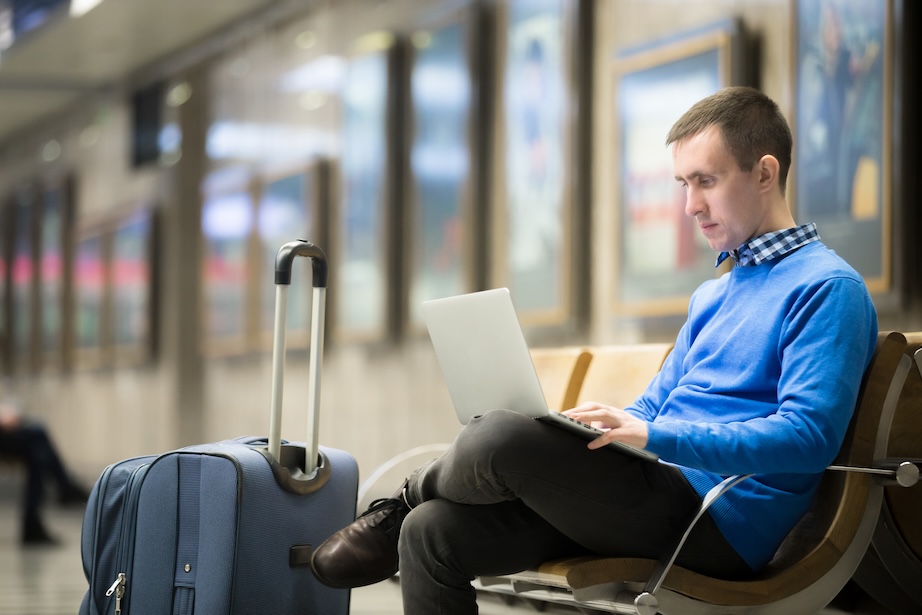
Travel exposes phones and laptops to elevated cyber risks, from insecure public Wi-Fi and shoulder surfing to device theft and malware. Whether you’re hopping on a domestic flight or heading abroad, your devices act as digital suitcases filled with sensitive banking information and work credentials.
To maintain control over their data in high-risk environments such as airports and hotels, travelers must take proactive steps to safeguard their hardware and the information stored on it.
Prepare & Secure Devices Before Departure
Security begins before you even leave for the airport. Ensure your operating systems and all apps are fully updated. These patches often fix critical vulnerabilities that hackers exploit. It’s also wise to perform a digital declutter by removing highly sensitive files you don’t need on the road.
Most importantly, enable robust device-tracking features such as “Find My” for Apple products and “Find My Device” for Android and Windows. These tools are lifesavers if a device is misplaced, allowing you to lock or remotely wipe your data from a distance. You should also ensure your lock screen requires a complex passcode or biometric authentication rather than a simple, easy-to-guess pattern.
Reduce Theft & Physical Compromise Risks
In a busy terminal or a crowded European plaza, physical security is your first line of defense. Never leave your devices unattended, even for a moment. When staying in a hotel, utilize the in-room safe for your laptop when you head out to dinner.
Be mindful of your surroundings to prevent shoulder-surfing, or the practice of a stranger looking over your shoulder to see your PIN or login credentials. If you frequently work in public spaces, consider investing in a physical privacy screen filter. This simple hardware addition makes the screen appear black to anyone not sitting directly in front of it, effectively neutralizing prying eyes.
Protect Data on Public Wi-Fi & Shared Networks
Public Wi-Fi is notoriously insecure, often lacking the encryption levels found in a home or office network. Hackers can set up”spoofed hotspots with names like “Airport_Free_WiFi” to intercept your traffic. To stay safe, disable auto-connect features so your device doesn’t join an unverified network without your permission.
When you must use an open network, a Virtual Private Network (VPN) is essential. It creates an encrypted tunnel for your data, making it unreadable to anyone else on the network. Many travellers ask themselves what is proxy vs VPN when choosing the right tool. While a proxy might hide your IP address within a specific app, only a VPN provides system-wide encryption, which is necessary for true security while traveling.
Build Strong Cyber Hygiene Habits on the Road
Good habits can prevent a minor mishap from becoming a catastrophe. Always back up your data to the cloud or an encrypted external drive before you depart. Ensure Multi-Factor Authentication (MFA) is active on all your major accounts, so a stolen password alone isn’t enough for a thief to gain access.
Be cautious of juice jacking (the risk of malware being installed through public USB charging stations). It’s much safer to use your own wall plug or a portable power bank. You should also turn off Bluetooth and Wi-Fi when they aren’t in use to reduce the signals your device sends out, making you a less visible target for nearby attackers.
Contributed posts are advertisements written by third parties who have paid Woman Around Town for publication.